
Introduction
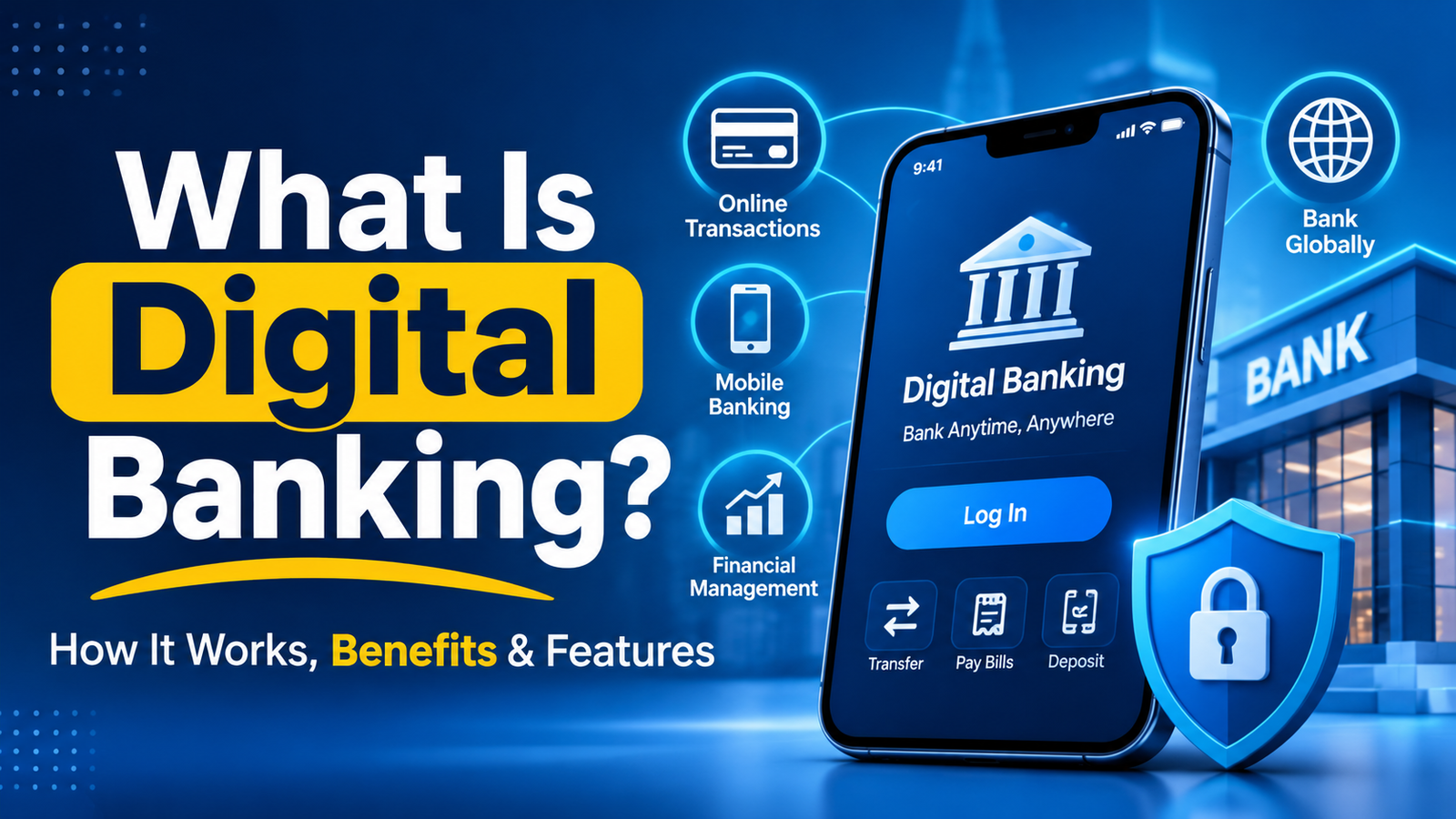
Digital banking enables you to handle your finances via a website, a mobile banking application or through other online channels rather than going to a branch. You can view balances, transfer funds, pay bills, drop off checks and, in many cases, open an account without talking to a teller. Actually, millions of Americans already do this on a daily basis.
So, what is digital banking, and how is it different from the bank your parents used? This guide provides easy to understand answers to this question. It provides an understanding of how digital banking functions, the various options for providers, and the advantages and drawbacks to look for. It also features a hypothetical example, tips for getting started and answers to common questions.
The subject is important because daily financial behaviors are now on screen. Direct Deposit is how paychecks are deposited. Friends use apps to split up dinner. The provider you choose will affect the fees you have to pay, how well you save and how secure you will be.
The information provided in this article is for educational purposes only, and should not be considered personalized financial advice. The fee, rates, and rules are susceptible to change so check for the latest information with your bank and official US sources before deciding.
Digital Banking: What is it?
Digital banking is the provision of banking services via electronic means, including websites, mobile apps, and online gaming platforms. It enables customers to open accounts, fund their accounts, pay bills and use the cards without having to go to a branch.
The term covers a wide range. On the basic side, it is checking the balance on your cell phone. At the opposite end, it implies that you open an account, apply for a loan, and settle a problem through the internet completely.
Digital, online, and mobile banking – key differences
Many people interpret the two words to be identical. They do not fully overlap but are not the same.
- Online banking: Using a bank’s Web site on a computer or Internet browser.
- Mobile banking: The use of a bank’s mobile device app, which includes mobiles check deposit, push alerts, card controls, etc.
- The overall term for digital banking. It features online and mobile banking and services like digital account opening, peer-to-peer payments, digital wallet and automated budgeting.
There are two types of providers.
You’ll find two types of digital banking in the US.
- Traditional banks and credit unions who have digital tools. Alongside their branches, local credit unions, regional banks and national banks provide apps and websites. Some large banks like Chase, Bank of America, and Wells Fargo are included in this group.
- Digital-first providers. Mainly these banks and financial technology (fintech) companies operate via an app and have few or no branches. A bank that operates only online is called an online-only bank.A bank that only functions online is an online-only bank, such as Ally Bank. An example of a fintech brand with partner banks is Chime.
The names are illustrative, not prescriptive. The difference is key as a fintech app need not be a bank itself. It’s important to note that many fintech brands work with a chartered bank that holds the funds, so you’ll want to verify who holds your money.
Understand the functioning of digital banking
Digital banking is based on the premise of connecting a secure app or website to a bank’s core systems. The systems keep your account logs and pass the transactions through the payment networks. You type what you want on your screen, the bank checks what you typed, approves, acts on it and updates your balance.
Step by step process
- Sign-up and verify your identity. US financial institutions will need to confirm your identity. You can count on giving your name, date of birth, address, Social Security or taxpayer identification number, and sometimes a photo ID.
- You can easily retrieve your email. Most providers implement a password along with a second factor like a one-time code, fingerprint or face recognition.
- You ask for something. You could, for instance, send money, pay a bill or deposit a check by taking a picture of it.
- The bank checks the request. Automated systems verify your balance, check limits and flag fraud.
- A payment network facilitates the movement of money. The majority of bank-to-bank transfers are made through the ACH network. Card networks are used for purchases made with a debit card. Wires carry large amounts of money in a hurry. When using real-time services like FedNow and The Clearing House’s RTP network, participating banks can settle payments in seconds.
- You get confirmation. The app updates you with your balance and may send you a push notification or email.
Digital Banking allows for the following features on a regular basis:
The majority of providers will provide a basic suite of tools:
- Mobile check deposit – Take a picture of both sides of a check
- Include Bill Pay and Scheduled Transfers.
- Peer-to-peer payments (e.g., Zelle or other services)
- Locking a lost card, card controls, etc.
- An alert service that notifies the user of any unusual activity, deposit or withdrawal in real-time.
- A summary of your spending and budgeting tools.
- Digital wallet support, including Apple Pay and Google Pay.
The place where your money is going to stay
The money is not stored in the application. It’s a bank or credit union where it’s stored, and the app is a portal to your accounts. This distinction is important in the context of deposit insurance, the subject of a later section.
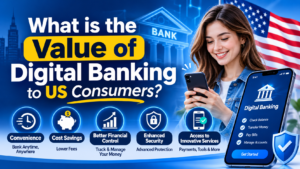
What is the value of digital banking to US consumers?
Digital banking is important because it alters the speed at which you can respond to your finances, how you pay to bank and the transparency you have into your accounts.
For numerous families it is the standard method of handling day-to-day finances.
- Convenience. Bank anytime, anywhere, from home, work or travel. If you miss a bill, or have your card lost, it won’t wait until branch hours.
- Potential cost savings. Overheads may be lower for providers who don’t have extensive branch networks. Some do that via lower fees or higher savings rates. This is very much dependent on the account so compare each account.
- Faster visibility. Real-time alerts detect errors and/or suspicious charges in real time. Fraud can be easier to correct the sooner it is detected.
- Wider access. Anyone who lives or works in a rural area, or anyone who doesn’t have a regular schedule or takes frequent trips can access their accounts without having to be near a branch.
- More competition. The app-obsessed players have compelled traditional banks to step up their game in their apps, and sometimes in their fees.
Digital banking isn’t for everyone. Others like to interact with the service provider in person, deal with a significant amount of cash or lack internet connections. For many, an online savings account with a local credit union to cover cash needs is an effective hybrid strategy.
There are some factors that need to be taken into account before selecting a provider.
Not every digital banking is the same. These are the factors that it’s important to pay attention
Deposit insurance
All deposits in member banks are insured by the Federal Deposit Insurance Corp. (FDIC) up to $250,000 per depositor per insured bank per ownership category. Credit unions get the same protection from the National Credit Union Share Insurance Program, which insures credit unions to the same limit, $250,000 per member, per insured credit union, per ownership category.
When it comes to a fintech app, check the name of the bank or financial institution of the partner and make sure that it is also covered by the insurance. If a bank goes out of business, the deposits are protected by insurance. Does not include losses due to scams or bad investment decisions. The FDIC can access a bank’s status using its BankFind tool and a credit union’s status through the NCUA.
Fees and minimums
Read the fee schedule before you open an account. Common charges include:
- Monthly fees and the amount required to avoid monthly fees
- Overdraft and returned-item fees
- Out-of-network ATM fees
- The fees for the wire transfer and the expedited transfer are paid.
- Fees charged on cash deposits made at retail partners.
Interest rates
Savings rate can be inconsistent over different digital providers. This means that the bank reserves the right to update them at any time. Check annual percentage yield (APY) from one provider to another, and see if there is a promotional rate that expires.
Cash access
When dealing with money, inquire about the process of deposits and withdrawals. Some of the providers are part of large ATM networks that do not require any surcharge. Other companies use retail cash-deposit partners that could have limits or fees.
Security protections
Check for multi factor authentication, biometric login, transaction alerts and the option to lock your card immediately. The federal Electronic Fund Transfer Act provides protection, via the Consumer Financial Protection Bureau’s (CFPB) Regulation E, against the losses that can be caused by unauthorized electronic transfers. The sooner the problem is reported, the sooner you will be protected – read your account agreement and act promptly.
Customer support
Try out support before you require it! See if a support phone, live chat or help center is provided as well as their hours. You will not be able to transfer the funds or use them until the time specified in the offer.
Read the daily transfer limits, mobile deposit limits, and the time that deposits can be kept before funds can be accessed.
The advantages and disadvantages of digital banking
There are real benefits to digital banking. It has risks too that you can plan for as well when you know what they are.
Benefits
- Around-the-clock access. Balance, transfer funds and pay bills anytime.
- Reduce expenses in many situations. Some of the digital-first providers offer no charges for monthly payments and no minimum balance. Conditions vary, make sure you check them out.
- Competitive savings rates. Online banks have typically been able to pay higher yields on savings accounts than many of the branch-based bank savings accounts. Rates will vary and no rate is guaranteed.
- Fast setup. A lot of providers will enable you to open an account in minutes.
- Better tracking. Alerts and spending summaries enable you to see patterns and problems.
- Time savings. Avoid trips and paperwork with mobile deposit and bill pay.
Potential risks
- Phishing attacks and account takeover. Impersonating your bank, criminals send you fake texts, e-mails, or calls. Their motive is to receive your username and password or one-time codes.
- Payment scams. Any funds sent voluntarily, including to a scammer, might be very difficult to get back. Authorised payments are not the same as unauthorised payments.
- Limited in-person help. Many of the digital-first providers do not have any branches. Issues that are more complex might need more time to be solved through the chat or phone.
- Cash difficulties. Some of the deposit options may be slower, less available or costlier than going to a branch.
- Technology outages. There may be outages of apps and websites. Have a second account or physical debit card.
- Unclear bank partnerships. In the event of a fintech partner bank failing, it could take longer to access the funds. Know who you are depositing your money with.
- Data sharing. Connecting to budgeting or payment apps might provide your financial info. Check and cancel rights that are no longer used. Sharing consumer data is subject to changing rules and regulations, so visit the CFPB for the latest updates.
The balance of benefit vs risk is based on the individual’s habit. A person who doesn’t touch cash very often and is a very good security guard may be okay with the risks. Someone who can only be served by cash or in-person assistance may choose a combination of providers.
Imagine how Digital Banking can impact the daily expenses!
The figures below are illustrative only and do not constitute actual figures. Actual fees and rates are subject to change and vary from provider to provider.
Maria is 29 years old and is a Graphic Designer who lives in Austin, TX. She keeps $8,000 in savings and $2,500 in checking. a branch-based checking account that costs $12 per month, and her savings account, which doesn’t pay much, is in a branch that also charges for the monthly services. A checking account that charges $12 for the monthly services, and her savings account pays almost nothing, both accounts are held at a branch. thinking about switching to a digital bank with FDIC insurance.
| Item | Current branch – based accounts (hypothetical) | Digital – first accounts (hypothetical) |
| Monthly checking fee | $12($144 per year) | $0 |
| Savings APY | 0.01% | 4.00% |
| Yearly interest on $8,000 (simple, no compounding) | $0.80 | $320 |
| Approximate yearly difference | About $463 |
The $463 profit that Maria makes is the result of $144 in fees avoided, and $319.20 in additional interest. This of course assumes that rates remain unchanged, but not always.
Maria considers the pros and cons as well. She takes cash tips from freelance clients from time to time. It can take time to deposit that money into a digital-first bank and there’s likely to be a small fee involved. She opens a small local credit union account to deposit cash and makes the rest of her money part of an online account.
This example is for illustration only and does not make any predictions. It explains the importance of comparing fees and rates and the availability of cash access before changing.
Becoming a digital banker.How to get started in the digital banking arena
Here are the strategies you can take to minimize the risk of switching or adding a digital account.
- List your needs. Track cash usage, saving money, and desired features (e.g., Zelle, early direct deposit).
- Research those options. Have at least one traditional bank or credit union offering a robust app and two or more digital-first banks.
- Confirm deposit insurance. Use the FDIC BankFind system or the NCUA credit union look up. Identify partner bank for a fintech app.
- Read the fee schedule and the accounts agreement. Check for monthly charges, overdraft policies, ATM fees, transfer restrictions and deposit holds.
- Gather your documents. Bring your Social Security number, government-issued photo ID and address.
- Start the account with a small amount of money. Begin with a small transfer. Verify deposits, withdrawals and payments are as expected.
- Secure the account. Have a different and strong password and enable multi factor authentication. Set up notifications for any transaction!
- Slowly transfer direct deposit and bills. Wait until all automatic payments and deposits have been transferred and processed to your new account before closing your old account.
Top Ten List of Common Mistakes to Avoid
- Assuming that all the apps are a bank. Some come from the fintech sector that depend on co-operating banks. Verify your deposits are held by whom.
- Ignoring insurance limits. Limits on FDIC and NCUA coverage. When you have more than $250,000 in one category of ownership at one institution, inquire about coverage options.
- Pursuing the most profitable rate. Promotional rates can decline sharply if they are high. Examine fees, terms and duration of the rate.
- Performing without reading the terms and conditions. There are things that can throw you a curve ball when it comes to overdraft rules, deposit holds, and even limitations on transfers.
- Closing a previous account prematurely. Late fees are often due if you miss an automatic payment. Wait until all transactions have moved.
- Adopting poor security practices. Do not use a public Wi-Fi network to access the Internet or conduct banking activities, and do not use the same password for multiple accounts. Do not provide onetime codes to others.
- Trusting unexpected messages. Banks don’t typically request your PIN or codes via text or phone. If a message is of concern, call the bank with the phone number on the card.
- Feeding the individual you don’t know. Payment applications are similar to cash. These transfers you authorize can be very difficult to undo.
- Turning off alerts. One of the most effective early warnings of fraud are alerts.
Using a single source. Have an alternative if a card is lost, frozen or out of service.
Frequently Asked Questions
Is digital banking safe?
Digital banking is safe if you select a financial institution that is regulated and insured, and practice proper security habits. Encryption, fraud monitoring and multi-factor authentication are used by banks. Your habits are as important, too, such as using different passwords, setting notifications, and being wary of unknown messages.
Digital banking is not the same as online banking?
Not exactly. Online banking typically involves using a bank’s Web site. Online banking is more of a concept – a digital solution that encompasses websites, mobile apps, digital wallets, peer-to-peer payments and other electronic services.
Do digital banks belong to the Federal Deposit Insurance Corp. (FDIC)?
There are many, but you should check. An on-line bank that is a chartered FDIC member bank is insured for the current FDIC insurance limit. Typically, fintech apps will use a partner bank, so use the BankFind tool on the FDIC’s website to verify the partner’s name and insured status.
Are digital banks able to accept cash deposits?
Generally yes, although there are variations. Some providers employ ATM (asynchronous transfer mode) networks. Some ask you to go to their retail cash deposit partners or need to transfer cash via another account. Be aware that there may be fees and restrictions, so please be aware before counting on using one method.
Are fees paid for a digital bank?
Some have strictly no charges, while some have regular charges. Typical charges are out-of-network ATM fees, wire charges and overdraft fees. It is important to always read the fee schedule, as the terms change by provider and may change.
What is a neobank?
A neobank is a financial firm that provides financial services in a banking-like manner, primarily via a mobile app. Many do not have the “chartered bank” title and are affiliated with a bank that holds customer deposits. This configuration is typical, so check the partner bank and its insurance.
To open a digital bank account in the USA, you need to fulfill a few prerequisites.There are a few requirements in order to open a digital bank account in the USA.
This will usually require you to be 18 years old or older, or of course under the age of 18 in the case of having a joint or custodial arrangements. You will also be required to have a Social Security or taxpayer ID number, have a US address, have a government issued photo ID, and an email address and phone number. It depends on each provider so see the provider’s application page for details.
Final Takeaway
The brief answer to what is digital banking is: Banking via apps and websites and not branches. It may save time and money but it will depend on the details.
Before you select a provider, consider the following five checks:
- Verify FDIC or NCUA insurance; determine the partner bank for fintech app.
- Read the whole fee schedule and terms that underlie any advertised rate.
- Know how you will cash in and cash out money.
- Enable multi factor authentication and alerts right away.
- Have an alternative account or card available for use in the event of an outage.
Rates, fees and regulations are subject to change. Check with your provider and official sources like the FDIC, NCUA or the CFPB for up-to-date information. If you’re making a decision on a significant amount of money or a complicated matter, it’s worth talking to a licensed financial professional.